About Workflips
The workforce platform for companies that manage people on the move
Workflips helps companies manage employee scheduling, time tracking, availability, team communication, and daily tasks in one place — so operators can adapt when priorities change without losing control of labor, coverage, or culture.
What Workflips helps companies manage
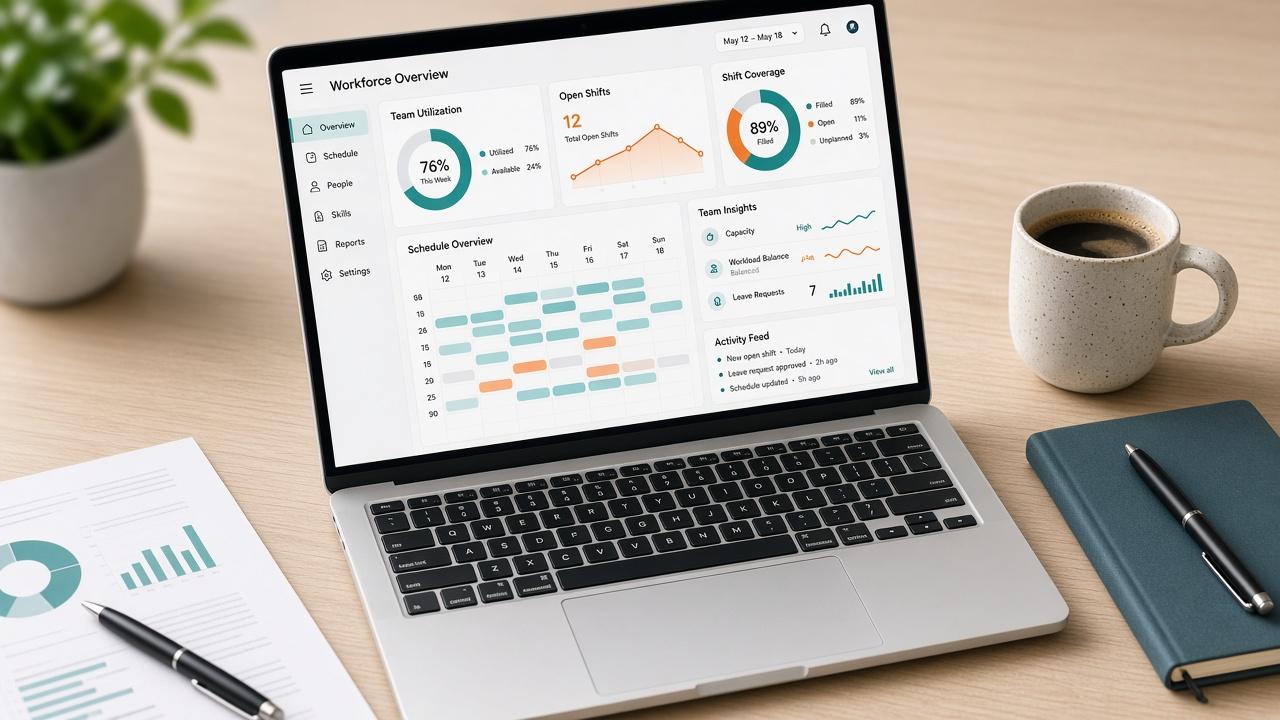
Hourly and deskless teams need more than a calendar. Workflips is an employee management platform for the full operating loop — plan the week, track time, approve requests, communicate changes, and close the shift with clear accountability.
Employee scheduling
Build weekly schedules in minutes, publish to the whole team, fill open shifts, and approve swaps without spreadsheet chaos.
Time clock & timesheets
GPS-aware clock-ins, breaks, and manager approvals give you clean hours ready for payroll export.
Time off & availability
Collect availability, review time-off requests, and keep coverage visible before you publish the week.
Team chat & announcements
Reach crews where work happens — shift updates, store news, and day-of coordination in one place.
Tasks & checklists
Opening, closing, and side-work lists with photo proof so standards stick across locations.
Multi-location teams
Roles, permissions, and company workspaces that scale from a single café to a multi-site operation.
Scheduling
Plan coverage before the rush hits
Workflips helps companies manage employee schedules across roles and locations — drag shifts into place, spot overtime early, and publish so every teammate sees the same plan on web and mobile.
- Templates for recurring weeks
- Open shifts and swap approvals
- Labor visibility before publish
Time tracking
Capture hours that managers can trust
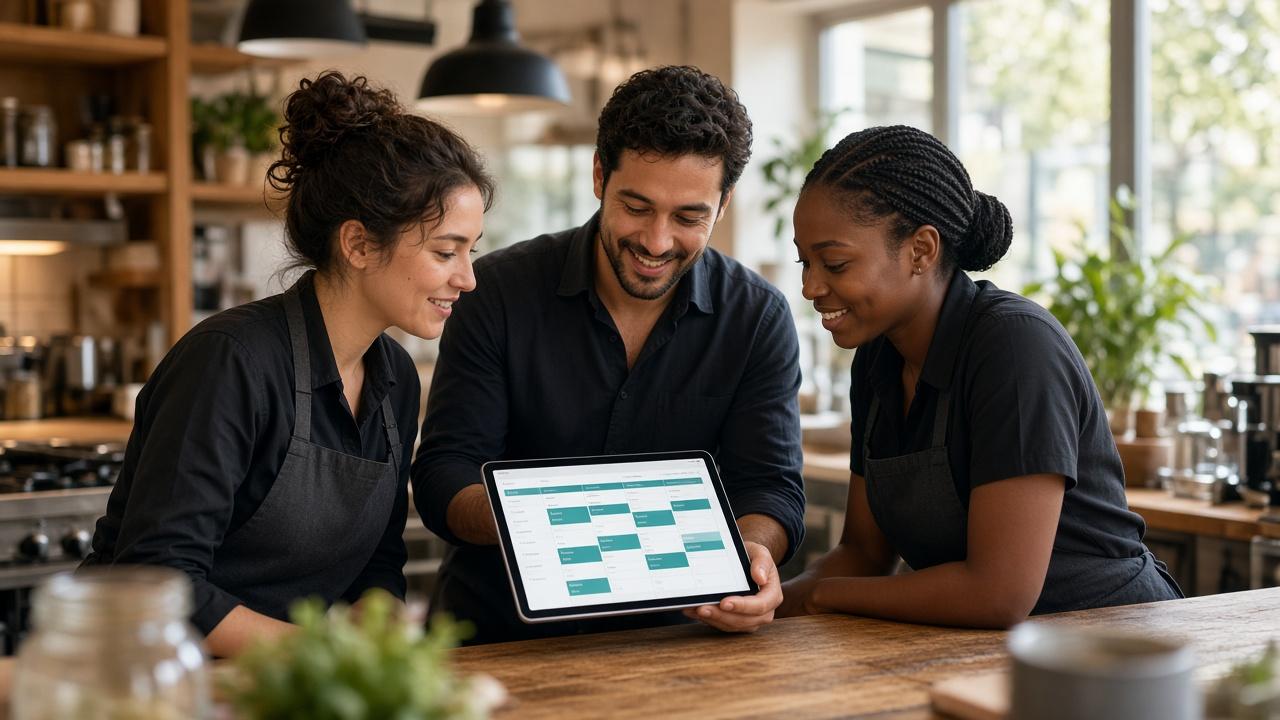
From the floor to the field, Workflips helps companies manage time clock data with geofenced clock-ins, break tracking, and timesheet review — so payroll gets accurate hours instead of disputed punches.
- GPS and location rules
- Break and overtime signals
- CSV-ready timesheets

Day-to-day ops
Keep people, tasks, and priorities aligned
Workflips helps companies manage shifting priorities — chat, events, and checklists sit beside the schedule so managers can flip between coverage, communication, and execution without leaving the platform.
- Crew messaging and announcements
- Events with RSVP
- Task lists with photo proof

What Workflips means
Workflips blends “work” with “flips” — suggesting flipping between tasks, roles, or workflows with ease.
The “flip” evokes agility and quick pivots — a platform built for managing people and shifting priorities fluidly.
How we think about workforce software
Good employee management software should feel calm under pressure — clear for managers, usable for crews, and honest about the realities of hourly work.
Designed for deskless work
Built for restaurants, retail, healthcare, hospitality, cleaning, and trades — not just office calendars.
Clarity over complexity
Managers get the controls they need. Employees get a simple app for schedule, clock, chat, and tasks.
Ready when priorities flip
Call-outs, open shifts, and last-minute changes are first-class — not edge cases buried in email.
See how Workflips runs a real workspace
Explore the live demo with sample schedules, timesheets, and team activity — or create your own company workspace in minutes.